USB-C: The Complete Guide
Everything you need to know about USB-C standard - cable types, charging, data and video transfer
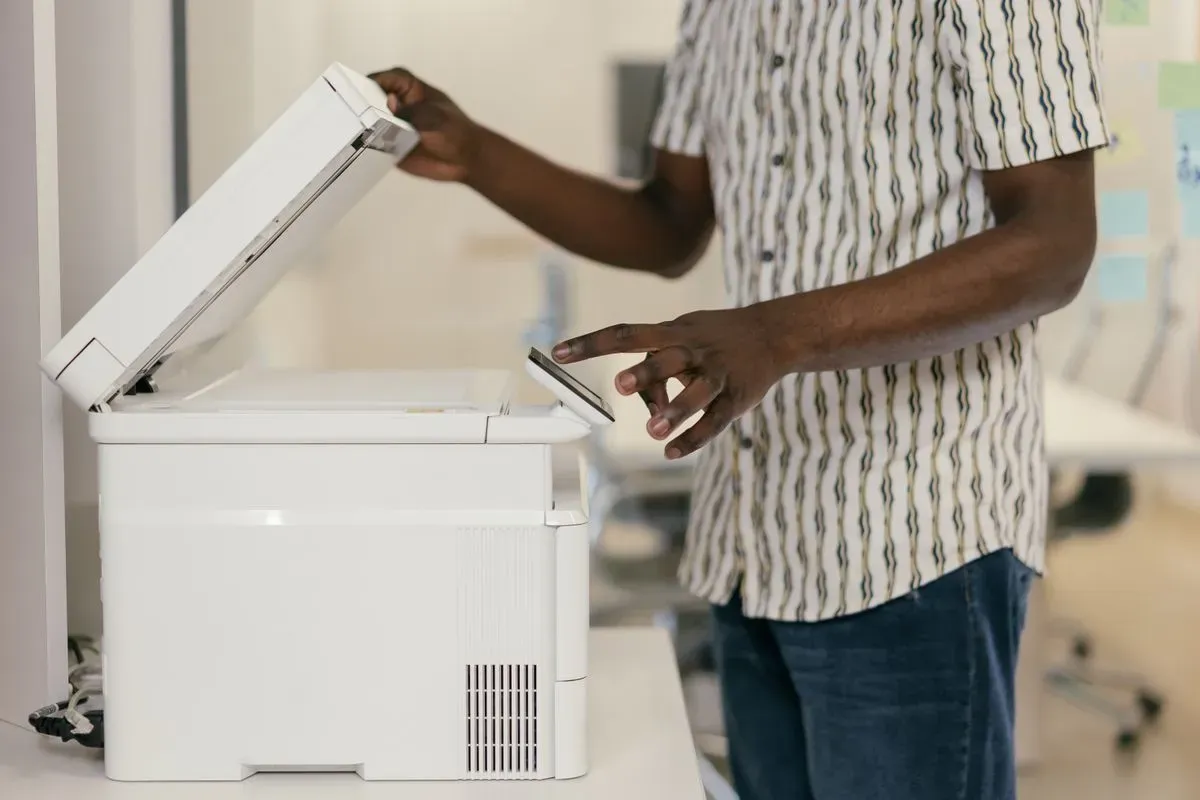
A buying guide to business printers: laser or inkjet, which printer for how many pages a month, what matters in a multifunction, how to work out cost per page and what to check in the warranty.
Who is this guide for?
Office managers, IT managers and business owners who need to buy a printer: a first printer for a small business, a replacement for an old one that keeps breaking down, or several printers for a new office. The goal: pick a printer that fits how much and what your office prints, and not find out two months later that the toner costs more than the printer.
Most businesses need a laser printer. An office that mostly prints black-and-white documents needs a black-and-white laser printer. If you also scan and copy, a multifunction printer. If you print quotes and marketing material, a colour laser printer. And a large office that prints thousands of pages a month or needs A3 is best served by a large department multifunction. Four questions settle the exact choice: how much you print, what you print, how many people use the printer, and what each page costs.
Bottom line: for a business, laser. Inkjet makes sense mainly when the job is printing photos.
This is the most important question, and it sets the size of the printer:
Watch out for the "duty cycle" in the spec sheet: it is the most the printer can handle in a month, not the volume it is meant to print every month. Compare the recommended monthly volume instead, and pick a printer where your use sits in the lower part of its range.
A multifunction printer (MFP) prints, scans and copies, and some models also fax. If you go multifunction, check for:
If most of what you print is invoices, delivery notes and internal documents, black and white is cheaper to buy and per page. A colour laser printer pays off when you print quotes, presentations, marketing material or office signs and want them to look professional without going to a print shop. A larger office can combine the two: black-and-white printers for everyday work and one shared colour printer.
The price of the printer is only the start. Over three or four years, toner usually costs more than the printer itself. To compare models:
For the difference between original and compatible toner, and toner for every brand, see our printer toner page.
In an office with more than one person, the printer should be on the network (by cable or Wi-Fi), not attached to one computer. That way everyone prints to it, from their phone too. It is also worth checking for secure PIN printing, so payslips and sensitive documents don't sit in the tray, and making sure the manufacturer still releases firmware updates for the printer.
Buy a business printer new, with official importer warranty. That way there is someone to call when something goes wrong, and parts and toner stay available in Israel for years. A grey-import printer may have no warranty in Israel, and sometimes takes toner that does not match the models sold here.
No single brand is "the best". What matters is the model that fits your volume and budget, and the price of its toner.
ITStore has worked with businesses since 2015 and supplies new Brother, HP, Samsung and Xerox printers with official importer warranty. Tell us how many people are in the office, roughly how much you print a month and what you need (scanning, copying, colour), and we will send a quote on the right printer within an hour during business hours. The printer can arrive the same day, and we install it in your office: network, computers and scan-to-email. You can order toner from us later on, and we collect the empty cartridges. Businesses can pay net 30 or net 60, depending on the company profile.
Everything you need to know about USB-C standard - cable types, charging, data and video transfer
What really separates Thunderbolt, USB-C, and DisplayLink, how many monitors each one actually drives, and how to pick a dock that outlives your next laptop.
A buying guide for employee laptops: ThinkPad vs Dell Pro vs EliteBook vs MacBook, the right spec for each role, Windows Pro and warranty.