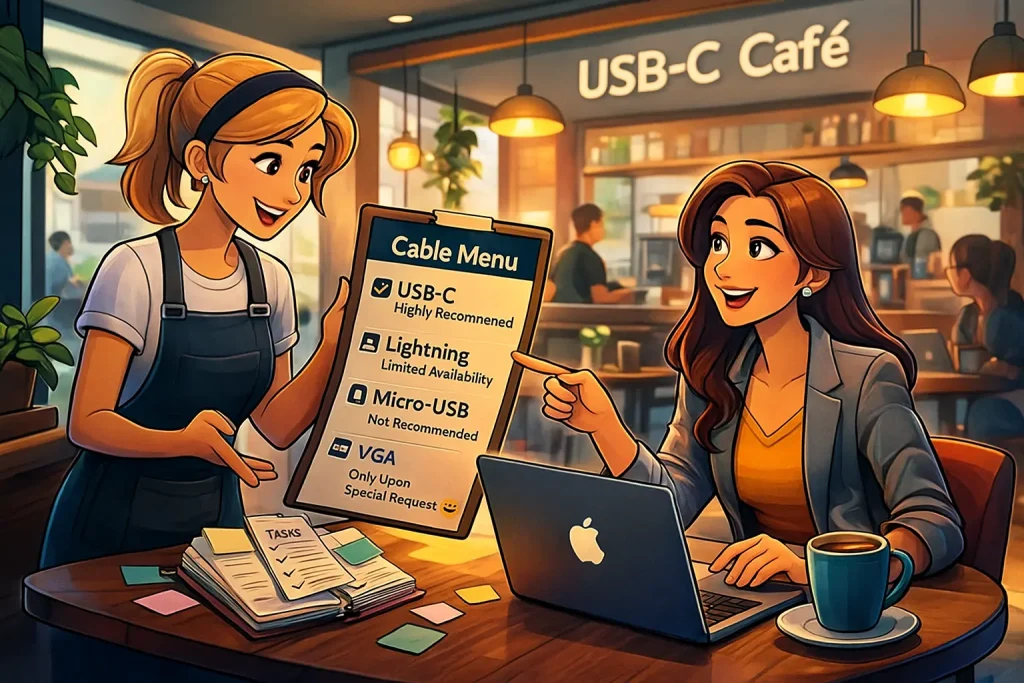
USB-C: The Basics, The Standards, The Differences - The Guide That Covers All the Bases
Let's be honest: if there's one thing office managers dread more than a "Reply All" thread, it's discovering there's yet another new type of cable. You've got employee passwords memorized, you know exactly which key opens which cabinet - but the moment someone asks, "Do you have a USB-C charger with PD, but not the MacBook one?" - it feels like someone just handed you a NASA equation to solve. So we decided to clear things up. In a straightforward, jargon-free way - even if "USB" still sounds to you like the name of a courier company.
So, What Is USB-C - and Why Is Everyone Suddenly Talking About It?
USB-C is simply a newer (and very small and elegant) type of connector. It's faster, more capable, and - finally - reversible. You can plug it in either way and it just works. It has rapidly become the universal standard, not because everyone agreed on it voluntarily, but because the European Union made them. Yes, really. As of 2024, all major manufacturers selling in Europe were required to adopt USB-C in order to reduce electronic waste and cable chaos. (Let's take a moment to thank them - they've saved us all from the nightmare drawer of tangled cables.)
But Wait… Why Do All USB-C Cables Look the Same - Yet Not All of Them Work?
Here's where it gets interesting. USB-C connectors look identical on the outside, but under the hood, they can serve four very different functions:
- Basic Charging - Charges phones, AirPods, and tablets. If this is the cable you have, it will not charge a MacBook. Don't even try - it simply won't cooperate.
- High-Power Charging (PD - Power Delivery) - This is what modern laptops require. It's usually the large, heavy charger every employee carries around like a school backpack.
- Data Transfer - For moving files, connecting external drives, or operating cameras.
- Video Output (DisplayPort / Thunderbolt) - The cable needed when connecting a laptop to a monitor. Using the wrong one? The screen will display "No Signal," and the employee will assume Mercury is in retrograde.
What About All the Old Cables We Already Have?
Short answer: keep two or three for emergencies. The rest can be retired with dignity. Once your office transitions to USB-C, roughly 95% of old cables will find themselves serving new purposes - as doorstops, bookmarks, or the answer to the eternal office question: "Why is this still here?"
How Do You Order the Right Things - Without the Headache?
Here's a ready-to-use checklist:
- High-power USB-C chargers (65W–140W)
- Quality USB-C cables that support both charging and video output
- USB-C to monitor adapters (HDMI / DisplayPort)
- A few spare office chargers for the "I left mine at home" crowd
Want Your Employees to Stop Fighting With Cables?
We're here to make sure everyone stays connected - to their screens, their computers, their coffee, and the good energy in the office. Ask us anything, request a consultation, or simply send us a photo of a cable and say "Is this the one?" - we don't judge, and we don't take it personally.