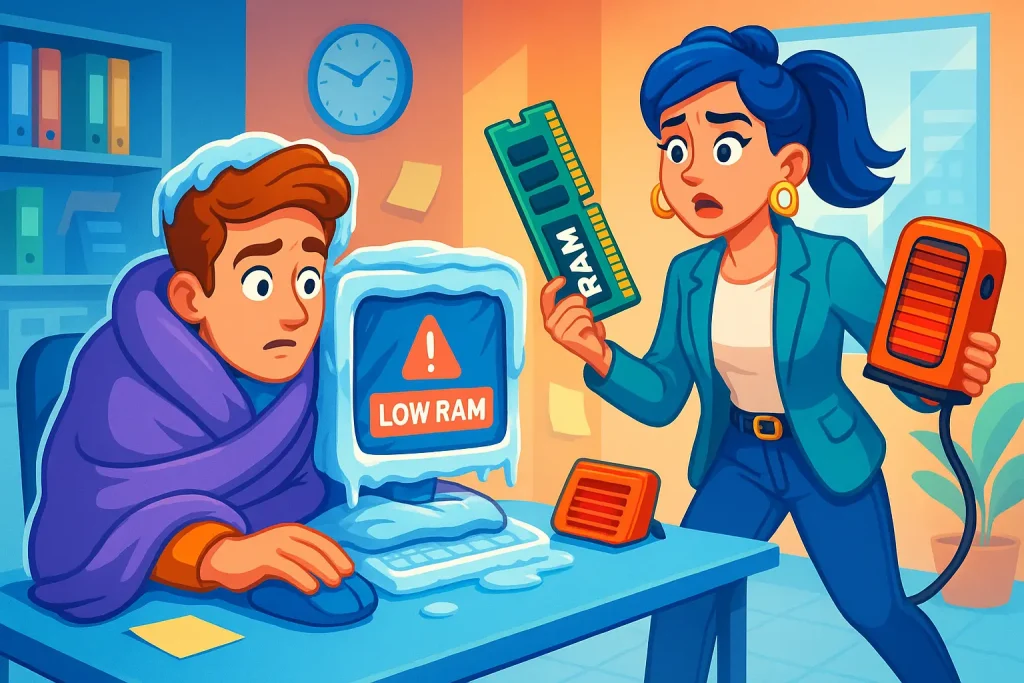
What Is RAM - and Why Do Your Employees Always Want "Just a Little More"?
You know that look - an employee walks up to you with the expression of someone who's completely done, and you're convinced they need a couple of days off. Spoiler: they need RAM. (Though honestly, a couple of days off probably wouldn't hurt either.)
So… What Actually Is RAM?
RAM is the computer's short-term memory. Its internal to-do list. The more RAM a computer has, the more tasks it can actively juggle at once.
Picture it like this:
The employee opens Slack → a little RAM goes.
Opens Gmail too → more RAM gone.
Opens 17 Chrome tabs (because apparently that's just how it's done) → even more RAM.
Runs Power BI, Figma, or a development environment → and now the computer is genuinely struggling.
Then it happens: freezing, stuttering, crashes - and an employee who is seriously considering defenestrating their laptop.
Why Does This Happen?
When a computer starts running low on RAM, it begins borrowing resources from elsewhere - and that process is painfully slow.
How Much RAM Does Someone Actually Need?
It depends on the person and what they're doing. Other factors - processor speed and storage drive performance - matter just as much. But as a general guide:
- Office Manager - 8GB–16GB
- Designer / Analyst - 16GB–32GB
- Developer / DevOps - 32GB and above (and yes, they will always want "just a little more", it's hardwired into them)
- The person with 39 tabs open simultaneously - 128GB and a therapist
How Do You Know It's Time to Upgrade?
- Everything loads slowly
- Applications freeze regularly
- Every action feels like trying to print a document after someone sent 200 pages to the queue - and nobody's owning up to it
- Your employee has started giving their computer the kind of look that says "today's the day we part ways"
So What Do You Do?
That's exactly what we're here for. We match the right amount of RAM to the role, the workload, and the budget - so you don't find yourself a week from now with someone yelling "This thing is completely useless!!!"