CPU vs. GPU - What's Actually Happening Inside, and Who Does It Really Affect?
There are certain tech terms people love to throw around - even when they're not entirely sure what they mean: "I need a powerful CPU." "No, you need a good GPU." "It's bottlenecking on compilation." "It can't handle the load."
In practice? Everyone means something different - and it ends up like a Zoom call where everyone assumes someone else is sharing their screen.
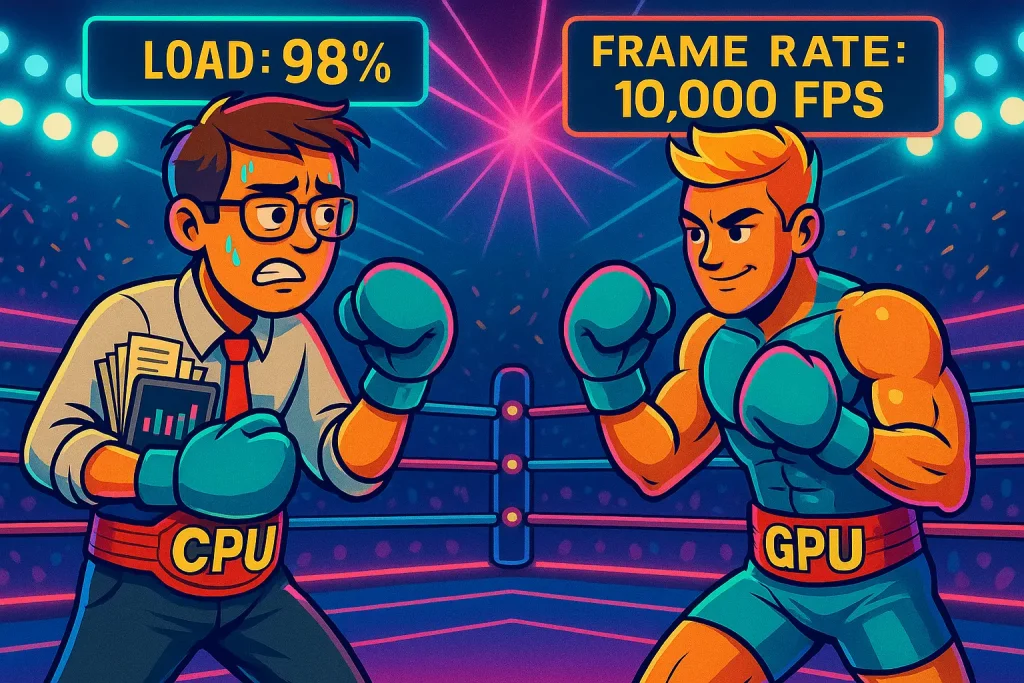
CPU and GPU may sound like two components fighting over the same job, but in reality they're about as different as a person who switches tasks every second versus someone who performs the exact same operation - 10,000 times per second. So let's clear this up simply and clearly: what does a CPU actually do, what is the GPU's role, and when does each one become the real hero of the machine?
CPU - The Brain That Switches Contexts Every Second
The CPU is the computer's generalist. It excels at rapid transitions between varied tasks - even when those tasks are complex and completely unrelated to one another.
It handles: running standard code, opening and closing applications, managing background processes, and executing logical decisions.
Think of it as the employee who can move seamlessly from debugging code, to a Zoom call, to a Slack search, and back to the code - all within seconds. A manageable number of tasks, but complex ones, executed at high speed.
GPU - Not a Brain, a Powerhouse
The GPU is not "a stronger processor" - it's an entirely different kind of component. It has no interest in handling diverse tasks simultaneously; it wasn't built for that. It was designed for one operation, repeated an enormous number of times in parallel.
If you need an analogy: think of a factory with thousands of identical workstations, each performing exactly the same action. Not sophisticated - but extraordinarily efficient.
That's why the GPU excels at: video and graphics rendering, AI model processing, large-scale matrix calculations, heavy simulations, gaming, and any task that repeats itself thousands of times simultaneously.
Why Does a Computer Slow Down Even When CPU and GPU Aren't the Issue?
In roughly 70% of cases, a GPU wouldn't have helped - because other components matter just as much:
- RAM - When it runs out, everything starts to drag. Think of trying to jot down 12 tasks on a small sticky note.
- SSD - A slow or full drive makes the entire system feel sluggish and unresponsive.
So Who Needs What?
It depends entirely on the type of work:
- Developers / DevOps / IT - A strong CPU, sufficient RAM, and a fast SSD. A GPU? Only in specific cases - AI workloads, graphics, or development tasks that genuinely require it.
- Designers / Video Editors / 3D Artists - The GPU is the lifeline. Without it, everything runs slower than customer service on a Sunday evening.
- AI / Data Teams - Here, the GPU is the driving force. It's what accelerates machine learning and massive mathematical operations.
- Standard Office Users - A solid entry-level CPU and adequate RAM. A GPU is simply not in the equation.
The Bottom Line
A computer doesn't need to be dramatic. Give it the right components for the job, and it will reward you with speed, stability, and a workflow free of "it keeps freezing on me" meltdowns. When the computer is calm - the team is calm. And that's an upgrade no benchmark can quantify.