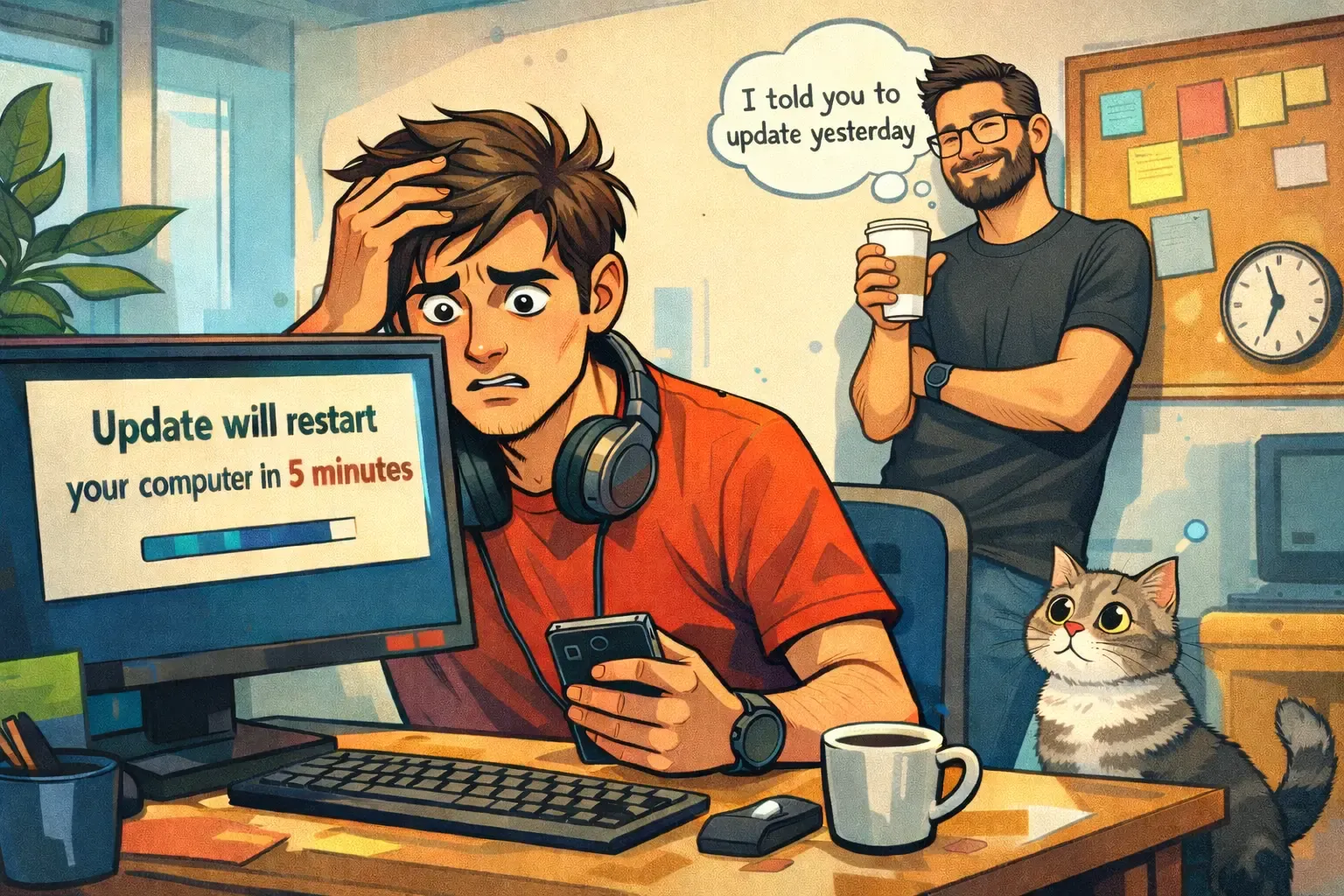
Updates - Why They Always Pop Up at the Worst Possible Moment (and Why IT Won't Let It Go)
Let's start with the simple truth: nobody likes updates. Not employees, not managers, not office managers - and honestly, not even IT. Yet somehow, IT always insists they're necessary, and the computer always picks the single worst moment to demand one. So what's actually going on here?
What Even Is an "Update"?
An update is not just a "small tweak" or "another version." In most cases, it includes security patches that close vulnerabilities hackers have already found (before they find you), stability improvements, and sometimes groundwork for future updates. In short: an update is routine maintenance. Not something worth ignoring.
So Why Does It Always Pop Up at the Worst Time?
Because computers have no concept of "now isn't a good time." They operate on schedules, activity patterns, and predefined rules. They have no idea you have a meeting, a deadline, or a rapidly shortening fuse.
From the computer's perspective: "You've been working a lot → now seems like a good time." From yours: "If you dare interrupt me right now, I will throw you out the window."
Why Does IT Always Insist?
Because from where they sit, every unpatched computer is a vulnerability, a potential failure, and a future headache. And they know one important thing: nearly every major incident started with a minor update that kept getting postponed.
So Why Is Postponing Updates Not a Solution?
Because delays compound. Updates pile up, risk accumulates, and when it finally catches up with you, it hits all at once. That's when you start hearing things like: "But everything was working fine until yesterday…" - Yes. The code worked fine before the bug too.
How to Handle Updates the Smart Way
Without getting too technical:
- Schedule updates at a fixed time - not in the middle of the workday
- Align expectations with IT in advance
- Don't postpone indefinitely
- Recognize that this is part of the job, not a malfunction
A good update is one you don't even notice - until one day you realize just how important it was.
Updates are like brushing your teeth: not fun, occasionally annoying, but significantly more painful to skip. And if IT is insisting - it's not because they enjoy disrupting your day. It's because they're committed to keeping everything running smoothly.